Optimised for iPad
Understand larger systems without losing context.
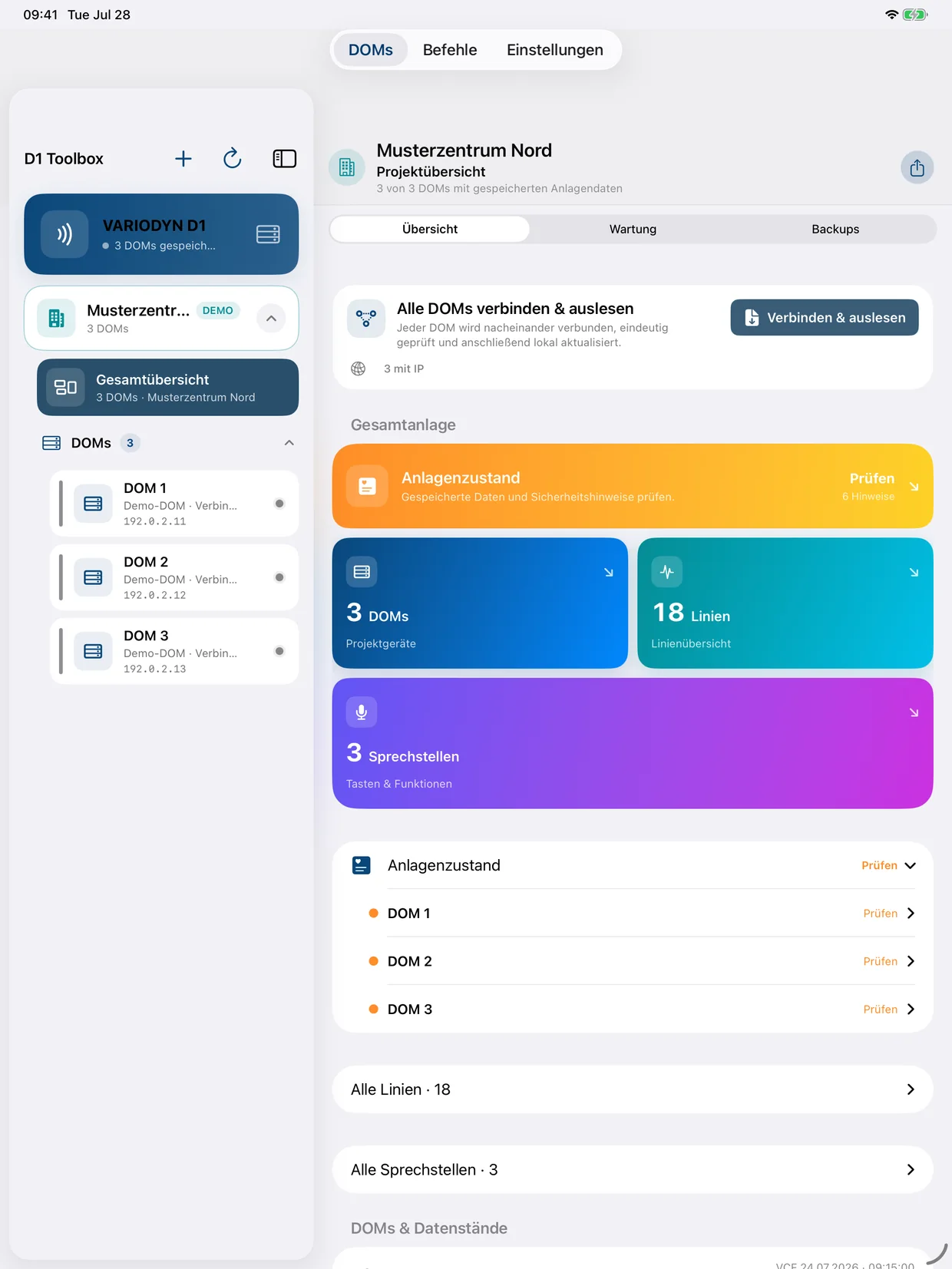
The fixed project sidebar keeps every DOM and the overall view within reach while system data, lines and service functions stay open in the main workspace.
 D1 ToolboxField service toolkit
D1 Toolbox combines system structure, measurements and service functions in one clear project view – connected directly to a DOM or offline from a saved VCF.
For trained, qualified and authorised technicians only.
From the project level down to an individual measurement, the interface stays clearly structured. These are genuine app views containing fictional demo data only.
The fixed project sidebar keeps every DOM and the overall view within reach while system data, lines and service functions stay open in the main workspace.
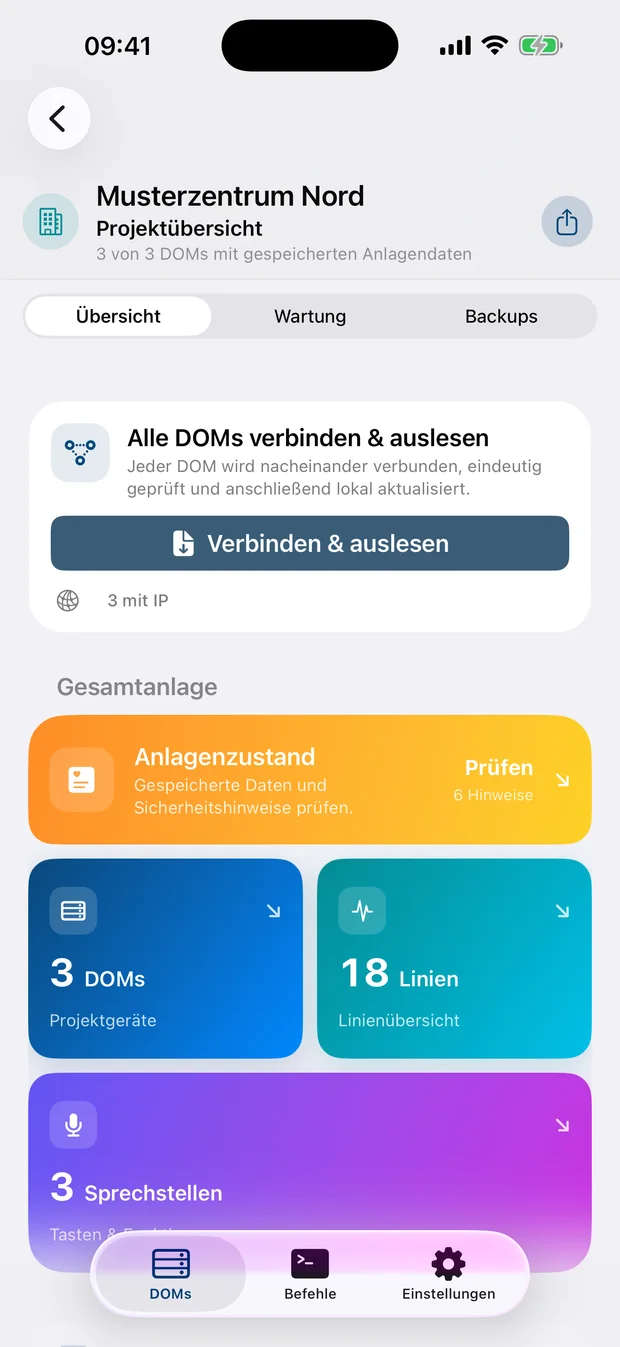
Keep DOMs, lines and call stations organised by project.
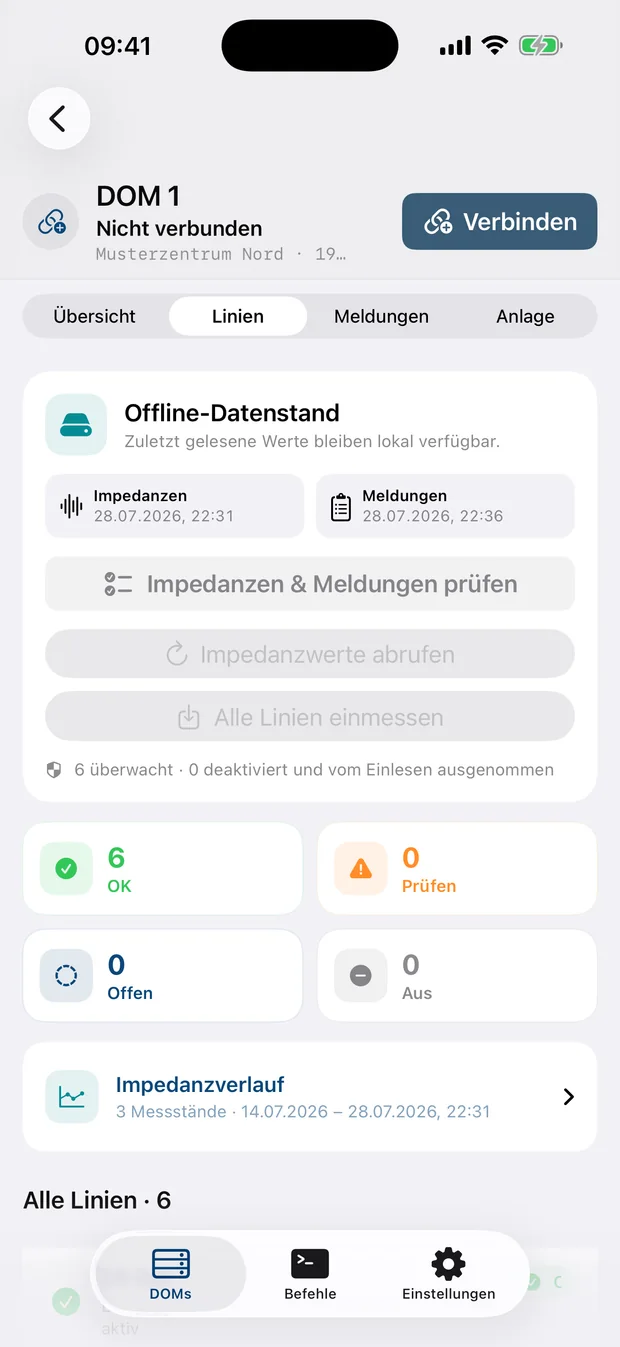
Assess measurements, tolerances and trends at a glance.
Read events clearly and associate them with the correct DOM.
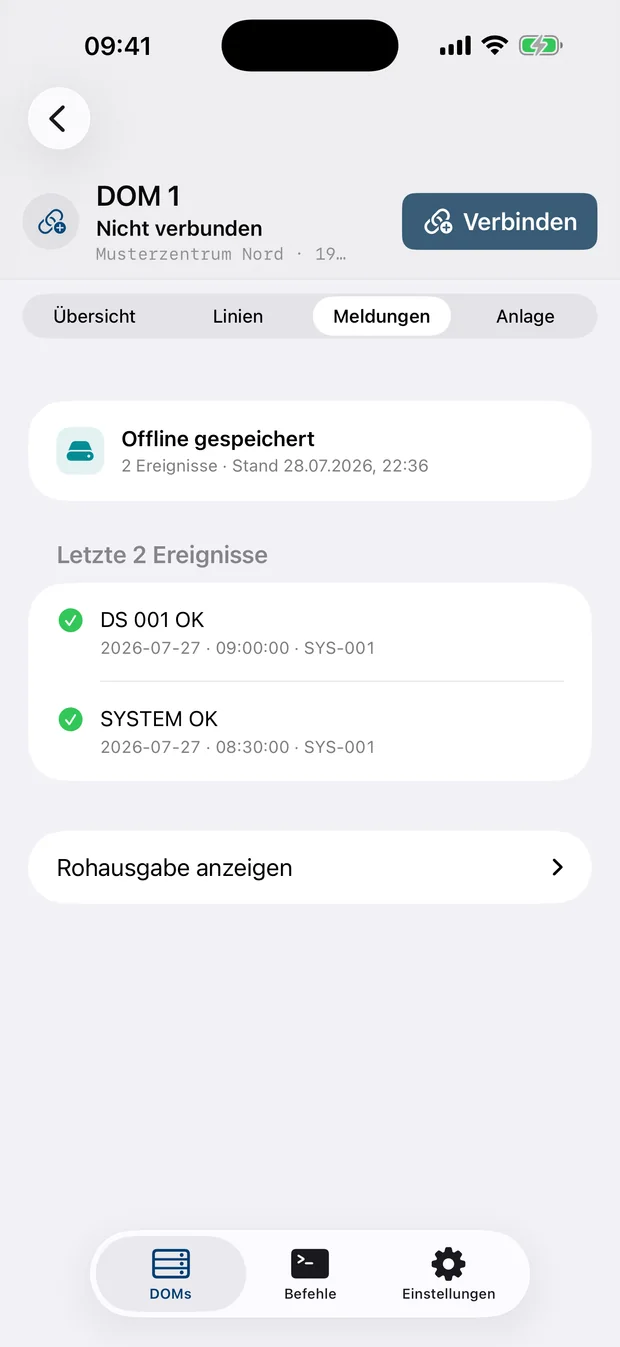
Document system checks and service steps consistently.
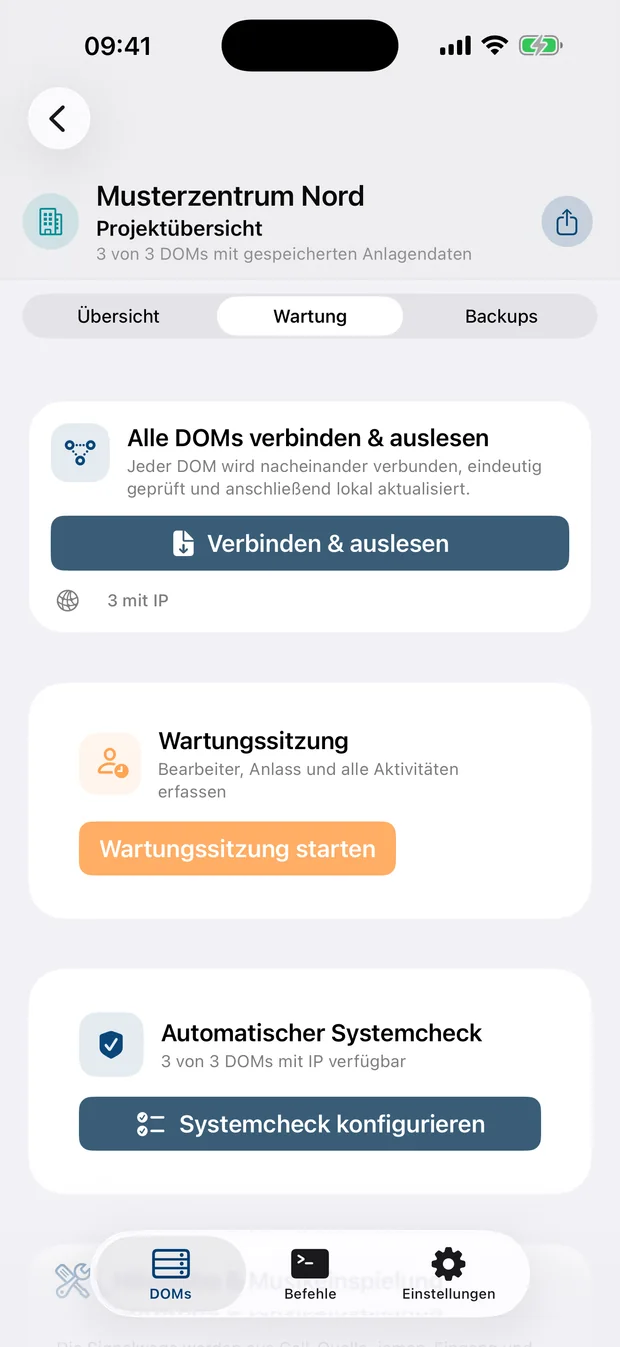
Less raw terminal output, more understandable relationships – without hiding the technical detail.
Present DOMs, lines, call stations, calls, destination groups and function keys in clear project views.
Read impedance values, calibrate references, compare history and evaluate events together with line data.
Record maintenance sessions, system checks, LED lamp tests and executed commands.
Import VCF files, retain system information locally and export selected reports or backups.
Guided forms, OPMODE safeguards and command previews help reduce input errors.
Arrange racks and D1 components visually, assign DOMs and include the result in documentation.
The app works without an account, advertising, tracking or its own analytics services. Projects, measurements and VCF data are stored locally on the iPhone or iPad. A DOM password is protected by the iOS Keychain.
Read the privacy policyD1 Toolbox does not replace manufacturer documentation, approvals, mandatory tests or operational safety measures. Service commands must only be used on authorised systems within a protected service network.
The beta is provided to a selected group of qualified users. Invitations are sent by email or through a limited TestFlight link. Feedback about usability, compatibility and real-world system evaluation is welcome.
Install TestFlight and open the supplied invitation link.
Use authorised D1 systems and follow the required test procedures.
Report defects, unclear views and compatibility cases through TestFlight.
A visual step-by-step guide explains the USB-C Ethernet connection, correct IPv4 setup and practical solutions for common connection issues.